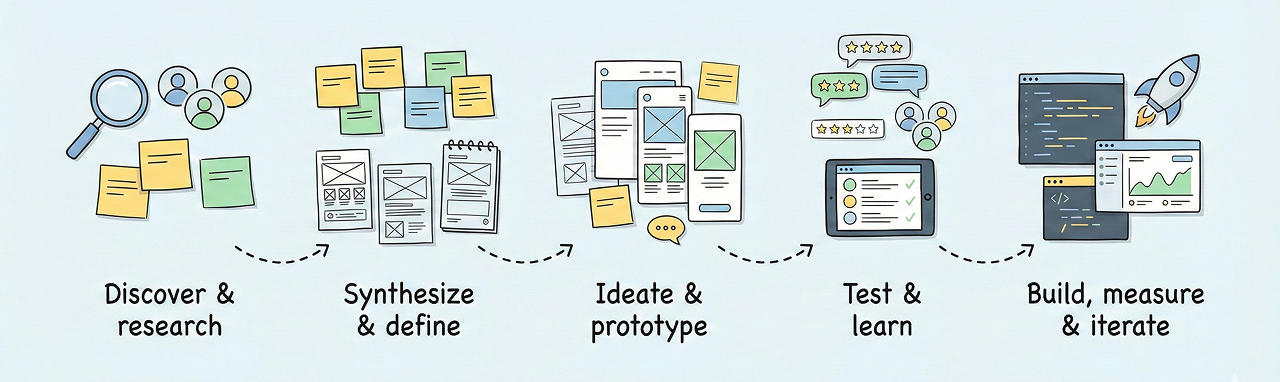
Why side projects matter
I've been building side projects since 2006. They helped me learn product work from the
inside: choosing a problem, shaping the offer, defining functionality, working with
developers, promoting the product, and dealing with real users.
This experience is important because it goes beyond design tasks. It taught me how
product decisions, implementation constraints, SEO, advertising, operations, and
customer understanding affect whether a product can actually work.
Hymetry
Hymetry is a B2B SaaS behavior analytics product that started from session recording,
but evolved into a broader product analytics platform for understanding how companies
and users interact with a product.
I shaped the product concept, positioning, MVP scope, analytics model, UX, public
website, and early go-to-market direction. The product now goes beyond playback: it
includes companies, users, pages, product areas, sessions, visits, engagement metrics,
usage distribution, peer comparisons, adoption signals, and privacy-aware behavioral
data.
The biggest product challenge was turning raw behavioral events into useful insights for
SaaS teams. This required decisions around data structure, segmentation, privacy masking,
multi-tab behavior, tenant/project separation, performance, and how analytics should
help teams notice problems and prioritize improvements.
Holst
Holst was an ecommerce project for classic art canvas prints. The core product feature
was a configurator that allowed customers to choose frame types, set custom sizes, and
immediately see the final size and price.
I worked across product definition, requirements, content, SEO, advertising, and
developer instructions. At the time, this was a relatively advanced configuration
experience for this type of ecommerce product.
The project helped me understand how product, marketing, and operations connect in
ecommerce: a good interface is not enough if the offer, pricing, acquisition, and
production process do not work together.
Miracle Canvas
Miracle Canvas was an ecommerce project for multi-panel canvas prints. The main feature
was a powerful 2D configurator where customers could create panel blocks, change their
size, rotate the final print in 3D, and preview it in an interior.
I created detailed requirements and developer instructions, worked on SEO and
advertising, and launched clones for the US market. The configurator was one of the
strongest parts of the product because it helped customers understand a complex
customizable product before ordering.
This project taught me how important product clarity is when the customer is buying
something custom. The interface had to explain the product, reduce uncertainty,
calculate the result, and make the final order feel predictable.
Modern Art
Modern Art was an early ecommerce project focused on modern acrylic paintings from
Germany.
It gave me practical experience with product positioning, catalog structure, content,
operations, customer acquisition, and the realities of running an online business.
This project was important because it moved my work beyond interface design into product
ownership: choosing what to sell, how to present it, how to reach customers, and how to
connect product, marketing, and operations.
Treenga
Treenga was my attempt to rethink task management. Rigid hierarchies and endless boards
felt heavy, so I wanted something lighter - where priorities and context were clear
without clutter.
It taught me that simplicity is hard. Many "must-have" features became distractions in
daily use. Stripping down was tougher than adding more, but far more effective.
The deeper lesson was about product mechanics: how people structure work, what
"priority" means in practice, and why clarity often beats flexibility.
UpcomingEvents MacOS app
This project started from a small annoyance: constantly switching to the calendar to
check what's next. The idea was to show upcoming events directly in the Dock icon -
reducing friction and keeping focus.
It was not just UI polish. I had to handle system integrations, real-time updates,
calendar edge cases, and performance so it stayed lightweight and unobtrusive.
The lesson was that meaningful value can come from solving small, recurring pain points.
Subtle, well-placed cues can make a big difference - especially when they respect
platform conventions and blend in naturally.